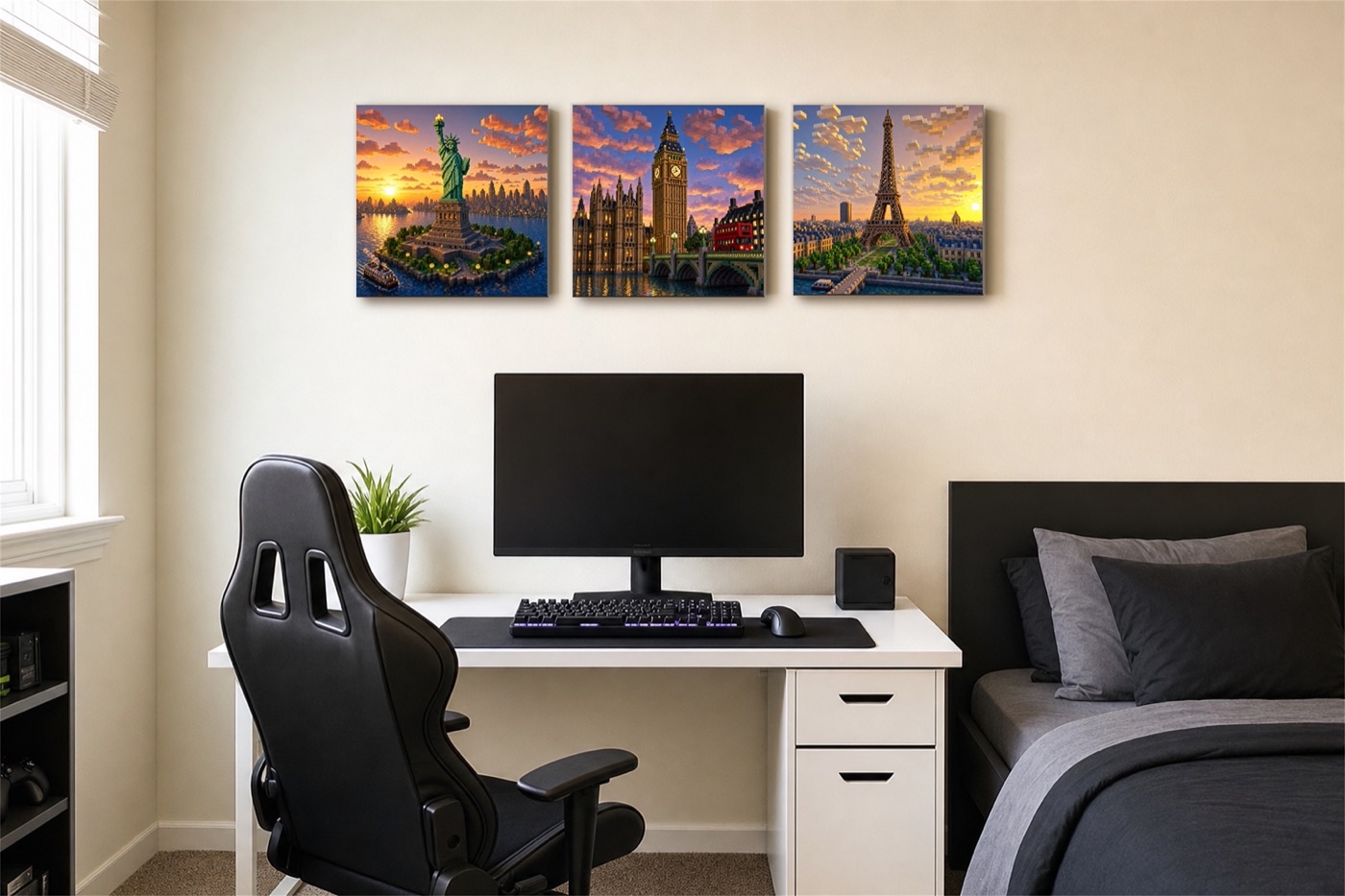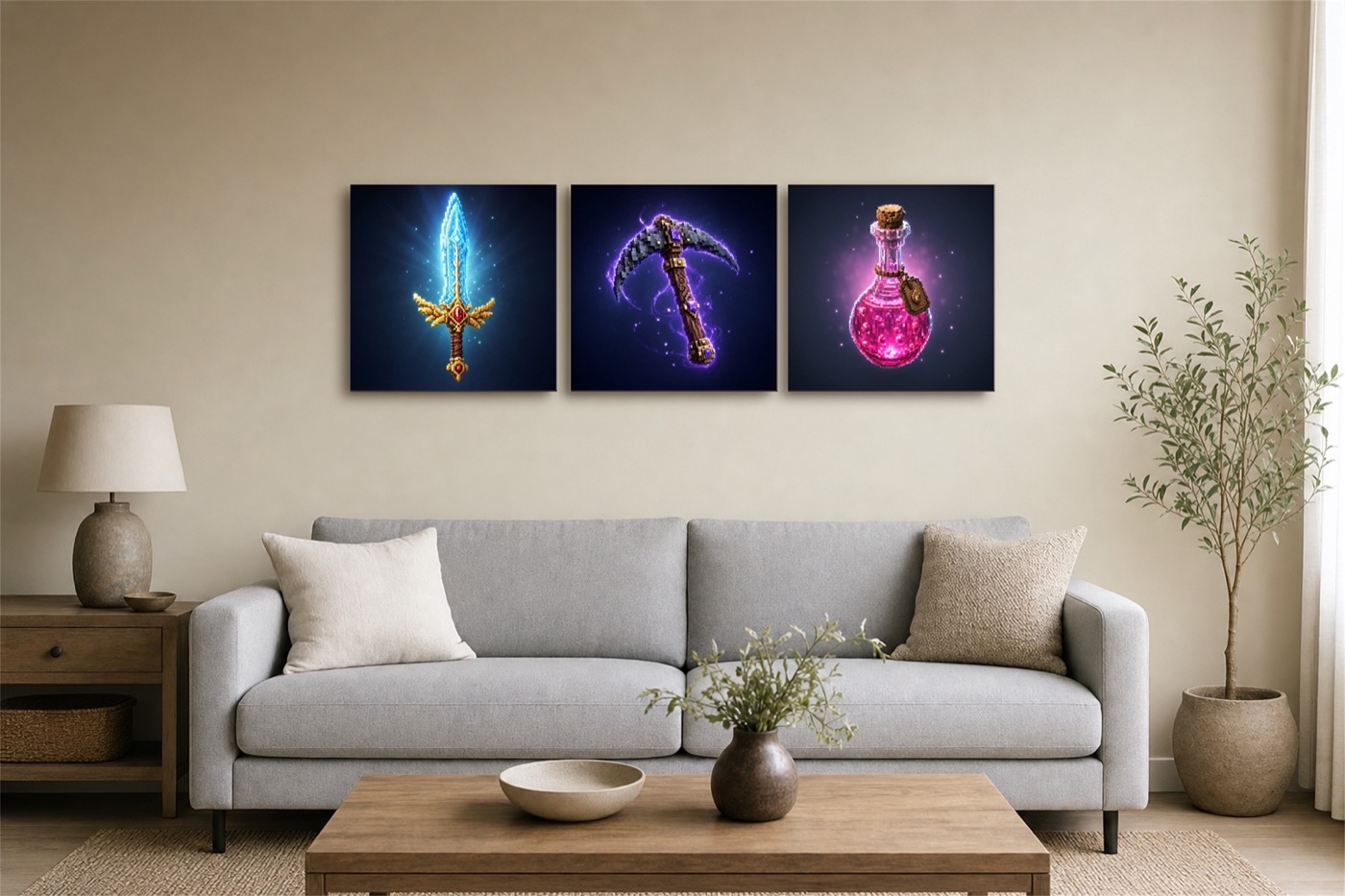
An STL file is a 3D model saved in a format that 3D printers and slicing software can read. When you buy an STL file from Quali3D on Etsy, you download the file, load it into a slicer, and print the object yourself. Nothing physical is shipped.
What you need
- A 3D printer (for example a Bambu Lab, Prusa or Creality machine).
- Free slicer software: Bambu Studio, Orca Slicer, PrusaSlicer or Cura. All of them open STL files.
- PLA filament in the colours you want. PLA is the easiest material for beginners.
What is in a Quali3D download
Depending on the product, a download may contain a single-colour STL, a multi-colour 3MF set up for Bambu Lab printers with an AMS, and a PDF guide. Each Etsy listing says exactly what is included.
The steps
- Buy the file on Etsy and download it from your purchases.
- Open it in your slicer and check the size.
- Use 0.2 mm layers and print in the orientation the file opens in.
- Send it to the printer, let it cool, and remove the print.
New to printing? Start with the pocket tic-tac-toe, or read the full beginner's guide. Browse all 3D-print files.
Files are for personal use and are fan-made, not official products.